
A completed generation task gives you a candidate take. Whether it is usable depends on the story action, characters, sound and relationship to neighboring shots. A consistent review order helps prevent one attractive frame from distracting you from a problem across the whole clip.
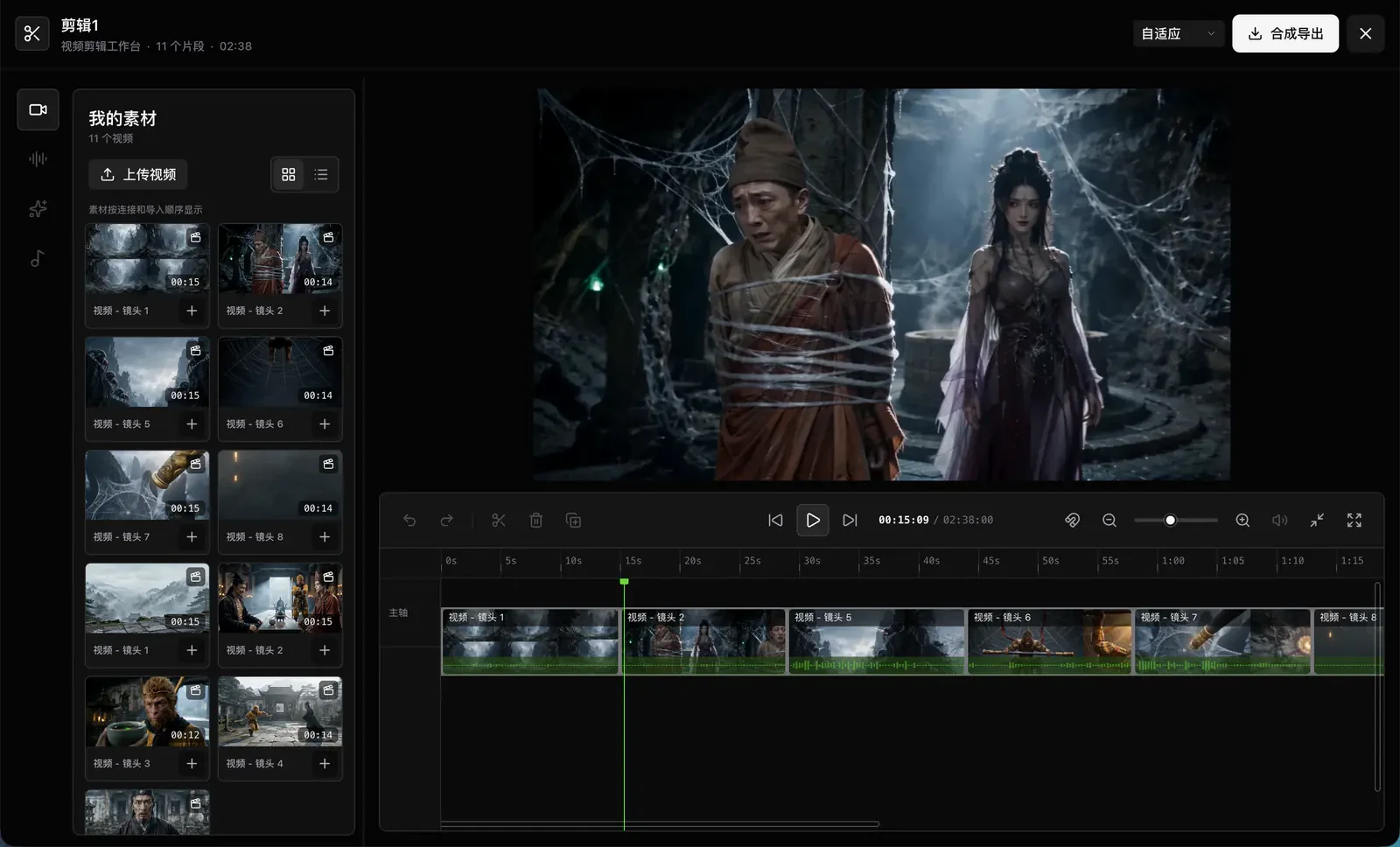
Consider a short scene in which a courier notices a suitcase and turns after hearing someone call. The review should lead to one of three decisions: keep the take, adjust it in the edit or generate another version.
First pass: watch at normal speed and check the action
Play the entire clip before examining individual frames. Can a viewer understand what happened? Does the courier actually notice the suitcase? Does the call motivate the turn? Does the ending preserve the intended uncertainty?
Describe problems as observable facts. “The suitcase disappears at six seconds” is more useful than “the image feels unstable.” “The courier turns before the call” is easier to act on than “the timing is wrong.”
Second pass: inspect picture and sound
- Characters and props: Do the face, clothing, hands or key objects change unexpectedly during movement?
- Space and action: Does the character follow a plausible path? Does camera movement obscure the important action?
- Dialogue: Are the speaker and words correct? Is there an extra voice, broken phrasing or visibly mismatched mouth movement?
- Opening and ending: Are the positions, facing directions and prop states usable for continuity?
Watch once with the sound muted to concentrate on visual storytelling. Then replay with sound to check how they work together. Pausing helps locate a defect; judge the final result at normal playback speed.
Decide whether to keep, edit or regenerate
Keep: The main action is clear, the character is recognizable and small differences do not disrupt the scene. Slight lighting changes alone are not a reason to redo every take.
Adjust in the edit: The opening waits too long, the ending pauses unnecessarily or the action can be cut earlier. Try a different clip order or cut point before deciding that you need new footage.
Regenerate: The essential action never happens, the main character has the wrong identity, a key prop disappears or important dialogue is unusable. Identify that specific failure while preserving the decisions that already worked.
Correct a faulty character reference before retrying. Simplify an overloaded action before asking for another take. Repeated retries may reproduce the same underlying problem.
Third pass: watch the assembled sequence and both sides of each cut
After reviewing candidates on the ElserStudio canvas, connect usable clips to a Composition node and arrange them on the timeline. Watch the whole scene, then return to the area around each cut.
Pay particular attention to movement direction, eyelines and props. A courier looking right in one shot and facing an unexplained new direction in the next can confuse the geography. Empty hands followed immediately by a carried suitcase need an action or a clear time jump.
Listen to dialogue within the sequence too. Is a sentence cut off? Does a reaction arrive too early? Does a pause allow the viewer to understand new information? Strong individual takes do not automatically form a clear sequence.
Check the exported file
Open the exported file and inspect the beginning, ending, aspect ratio, sound and important cuts. Do not rely solely on the timeline preview as the final delivery check.
Keep accepted takes and a short list of unresolved issues. For example: “Replace the discovery action in shot two; retain shots one and three.” This gives the next generation and editing pass a specific purpose.
If you need a first set of clips, start with the three-shot workflow. If identity drift is the main issue, use the character consistency checklist. See the production guide for the application steps.