
Characters
Reuse canonical character records instead of describing identity from scratch in every prompt. This reduces contradictory instructions and makes drift easier to diagnose.

Build a repeatable AI filmmaking workflow. Plan, direct, generate, review and finish on one canvas.
For macOS & Windows. Local-first.
Plan the story, direct each shot, generate controlled variations, review what actually works and finish the sequence without scattering production decisions across unrelated tools.
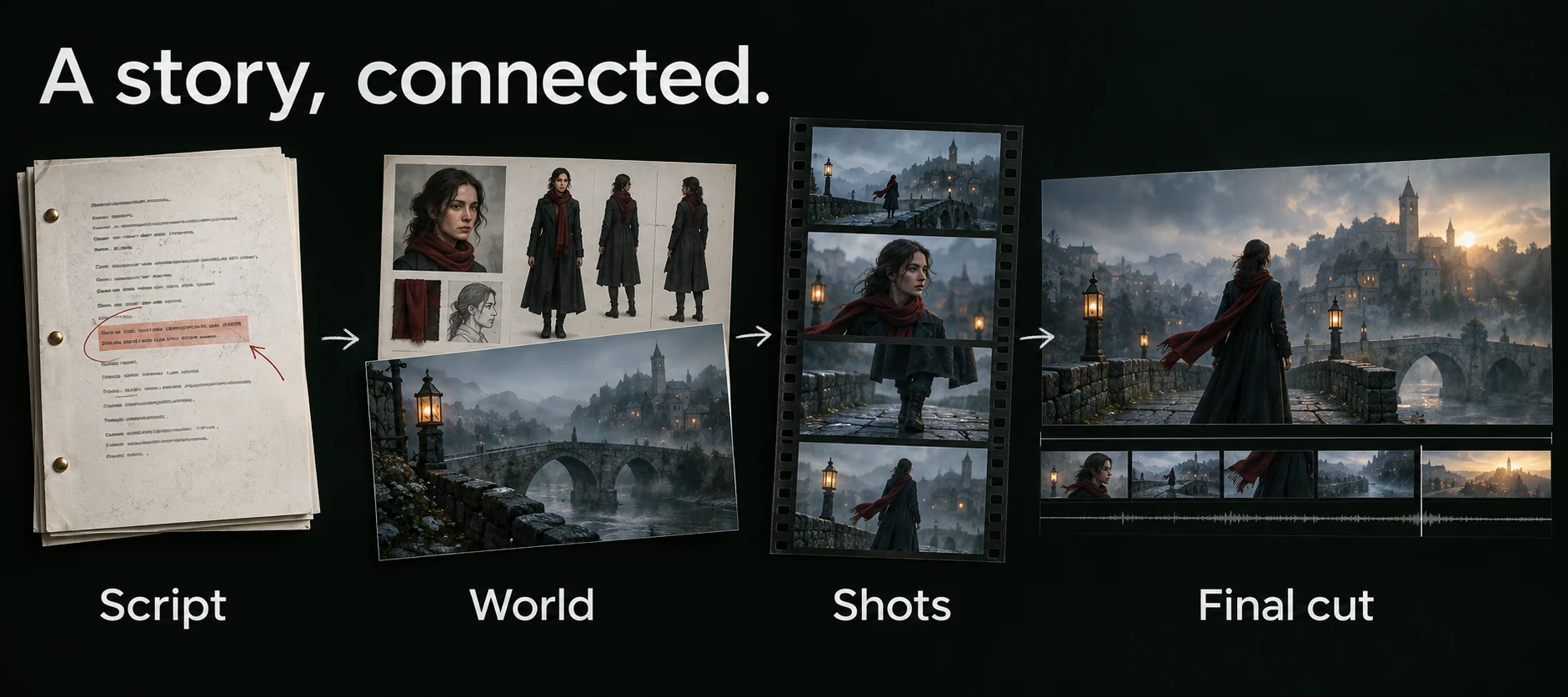
Script → World → Shots → Final cut. Adapt the source, reuse references, direct each shot and assemble accepted takes.
AI-generated workflow illustration. Select the image for a closer look.ElserStudio connects script, World assets, shot prompts, generated takes and local composition on one visual canvas. It is designed for creators who need a repeatable AI video production workflow rather than a collection of attractive but disconnected clips.
An AI filmmaking workflow is the repeatable path from story intent to an exportable sequence. It defines what must be decided before generation, which assets remain consistent, how prompts are written, how many variations are justified, how takes are evaluated and when a shot is ready for the edit.
Without a workflow, creators often rewrite prompts blindly, lose track of references and spend budget on clips that do not cut together. ElserStudio keeps production records connected so the reason for every generation and revision remains visible.
Follow the complete workflowScripts, references, prompts and takes stay in the same project.
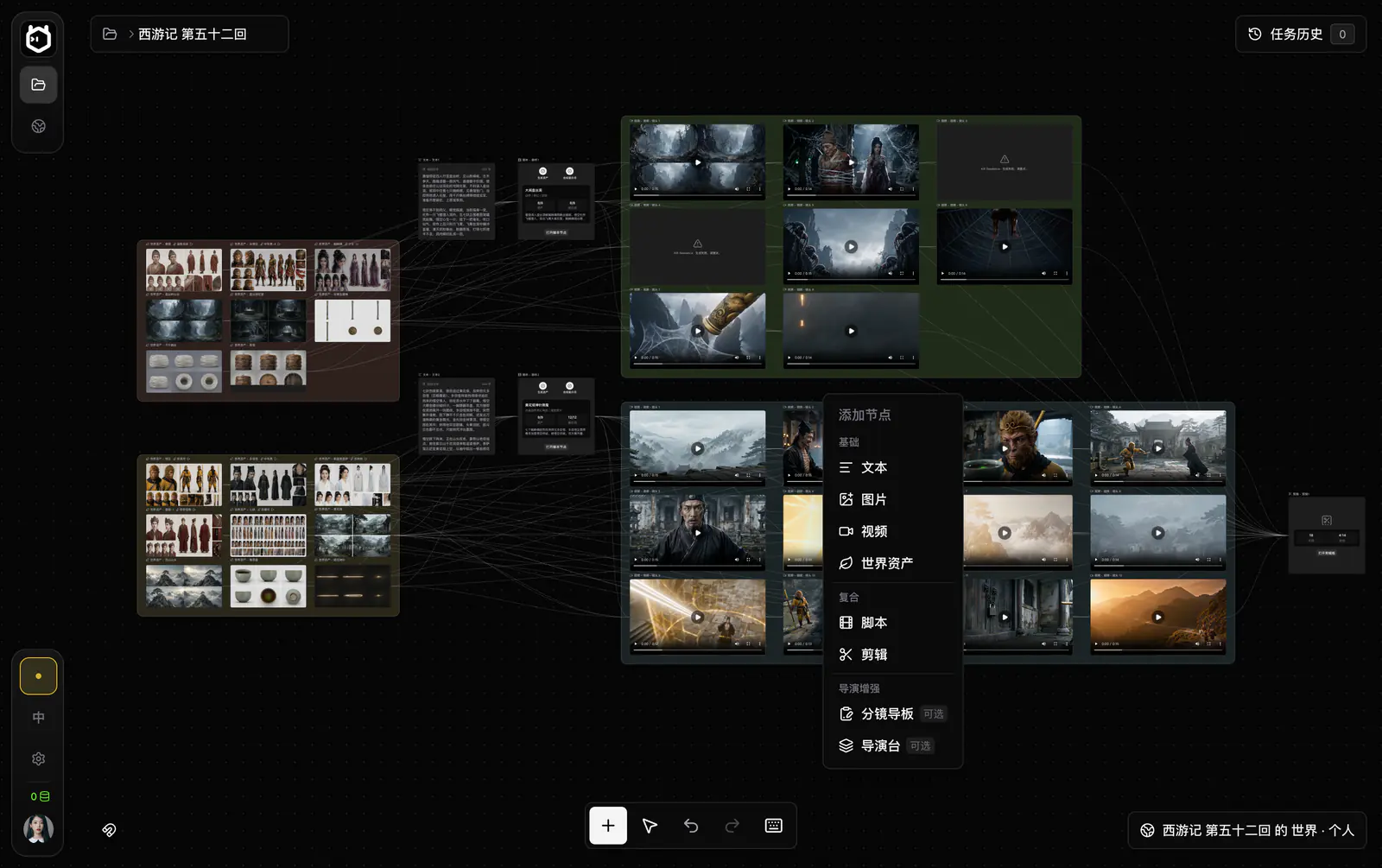
Alternative takes that can be compared for identity, action, motion and continuity.
Select an output to see where it lives. This is an interface preview; generation happens in the desktop app.
Take two or three representative shots through the full workflow before scaling to an entire chapter or sequence.
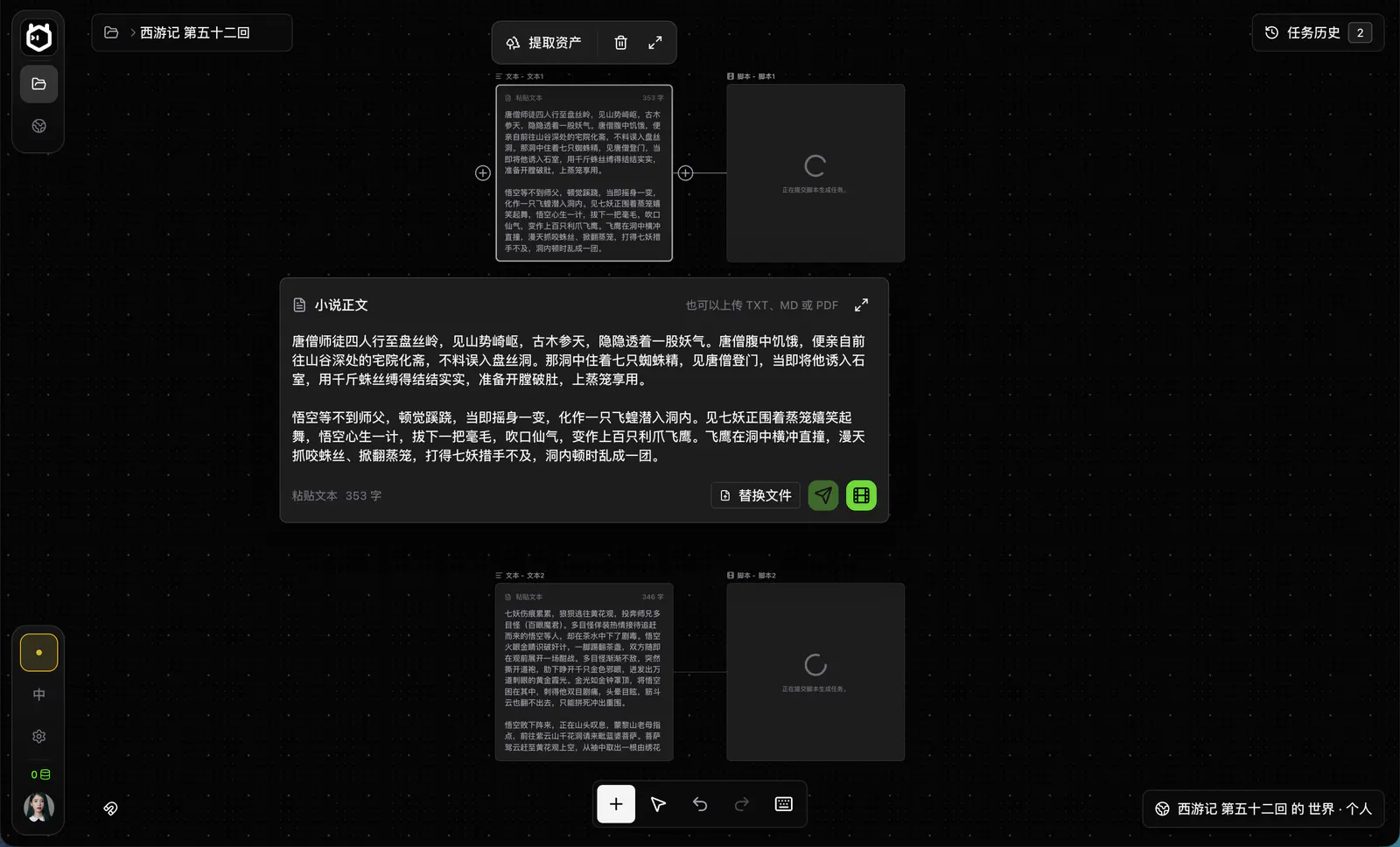
Define the action, emotional turn and required coverage before writing prompts. Establish the canonical characters, locations, props and visual rules. A good plan identifies which details must stay fixed and which can vary creatively.
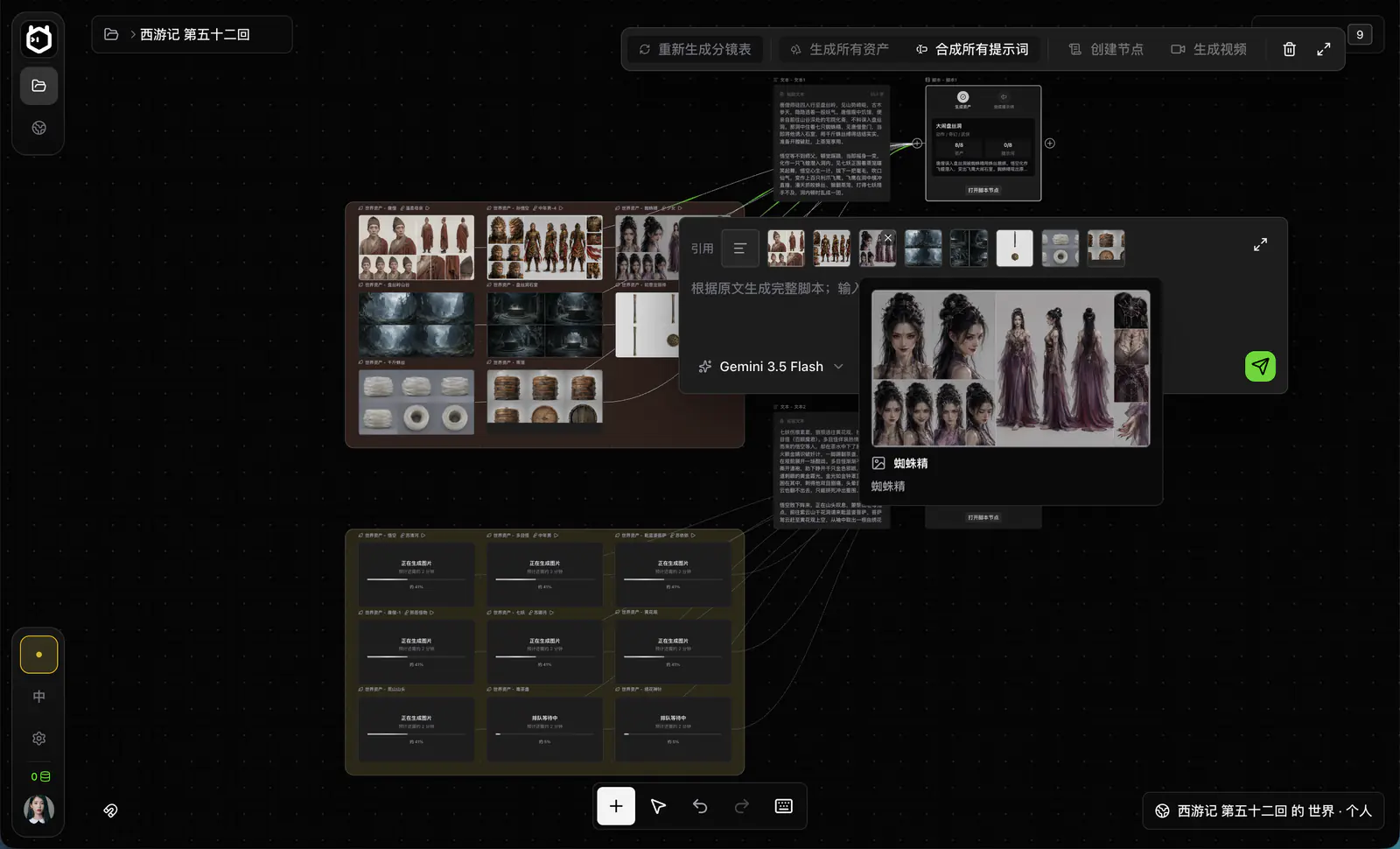
Write prompts as shot direction rather than a pile of adjectives. Specify the subject, action, setting, framing, camera movement, performance, lighting, timing and sound. Generate two or three difficult or representative shots first. Use the results to correct references and direction before scaling.

Review each take in a consistent order: story action, character identity, continuity, motion, image defects, sound and editability. Keep, repair in the edit or regenerate for a stated reason. Place accepted shots on the timeline, watch the complete sequence and export locally.
Characters, scenes, comics and animation, connected by the same references.
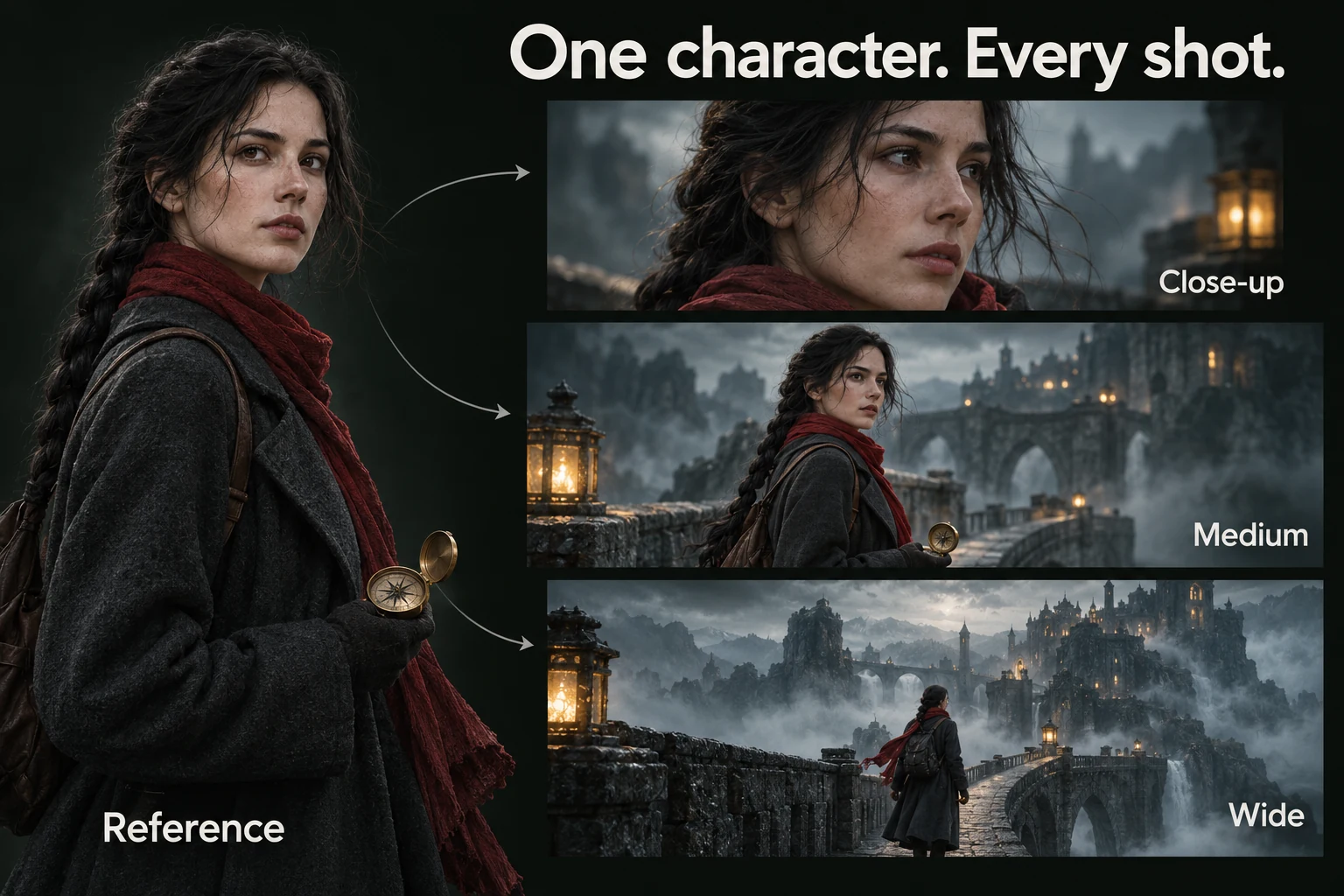
One identity, several framings. Reuse a canonical character reference for close-up, medium and wide shots, then review every take for drift.
AI-generated workflow illustration. Select the image for a closer look.Reuse canonical character records instead of describing identity from scratch in every prompt. This reduces contradictory instructions and makes drift easier to diagnose.
Store recurring locations and props as World assets. Keep spatial direction, time of day, weather and object state visible in the shot plan.
Validate coverage and composition with boards before authorizing video. A storyboard is cheaper to change than a set of generated clips that cannot form a coherent scene. Storyboard images are optional, not a prerequisite for video generation.
Organize stylized, anime, comic and cinematic projects with the same production logic. The chosen provider determines available styles, resolution, duration and audio capabilities.
A practical AI video review checklist. Review the shot against its purpose before paying for another attempt.
Does the take perform the exact story action?
Are character identity, wardrobe and props correct?
Does screen direction connect to the previous and next shots?
Is camera movement motivated and physically readable?
Are hands, faces, text, backgrounds and object interactions usable?
Does the sound support the scene without unwanted speech or noise?
Can the clip be trimmed into the intended duration?
No. ElserStudio is not an image or video generation model. It is a local-first production workspace for organizing the entire AI-assisted filmmaking process—from story development and visual references to prompts, generation tasks, shot review, editing and final delivery.
The actual images, videos, voices or other generated media are produced by the cloud service or Local BYOK provider you configure. This separation lets you change providers or use different models without rebuilding the project around a single generation platform.
Available generation routes depend on your ElserStudio version and the providers connected through your cloud account or Local BYOK configuration.
There is no single model that is best for every shot. One model may perform better with character motion, while another may be more suitable for camera movement, stylized visuals, image-to-video animation or fast concept exploration. ElserStudio is designed to help you choose the appropriate route for each shot while keeping the resulting assets and production decisions organized in one project.
Model availability, supported parameters and generation costs may vary by provider and can change over time.
There is no universal number. A practical approach is to begin with a small, clearly defined batch for a few representative shots before scaling generation across the whole project.
Compare the results against the shot’s actual requirements: composition, character consistency, motion, camera behavior, continuity and duration. If a result fails, identify why before paying for another attempt. The problem may come from the prompt, reference image, selected model, generation settings or even the shot design itself.
Avoid automatic, open-ended retries. Controlled iteration makes it easier to understand what improved the result and keeps generation costs predictable.
Yes. Once a generated clip has been reviewed and accepted, it can be connected to a Composition node and brought into the local editing workflow.
You can arrange shots on the timeline, adjust their order and timing, compare alternatives, refine the sequence and combine generated media with other project assets. The completed edit can then be exported as a finished video sequence.
ElserStudio’s editing workflow is intended to connect generation with production, so approved results do not need to remain scattered across provider dashboards and download folders.
No. “Local-first” describes how ElserStudio manages your production workspace; it does not mean every generation model runs on your computer.
Projects, imported assets, canvas records, production structure and editing work are stored and managed locally. When you use a cloud-based generation provider, however, an internet connection is required, and the materials needed for the request—such as prompts, reference images, audio or video—are sent to that provider for processing.
Those requests are handled according to the selected provider’s own terms, retention rules and privacy policy. If confidentiality is important, check those policies before uploading sensitive material. Fully offline generation is only possible when a compatible model and workflow are configured to run locally.
Choose a short scene, lock its shared assets and take two or three representative shots through planning, generation, review and final cut. A completed small sequence reveals more than dozens of disconnected tests.
Download ElserStudio Start from a novel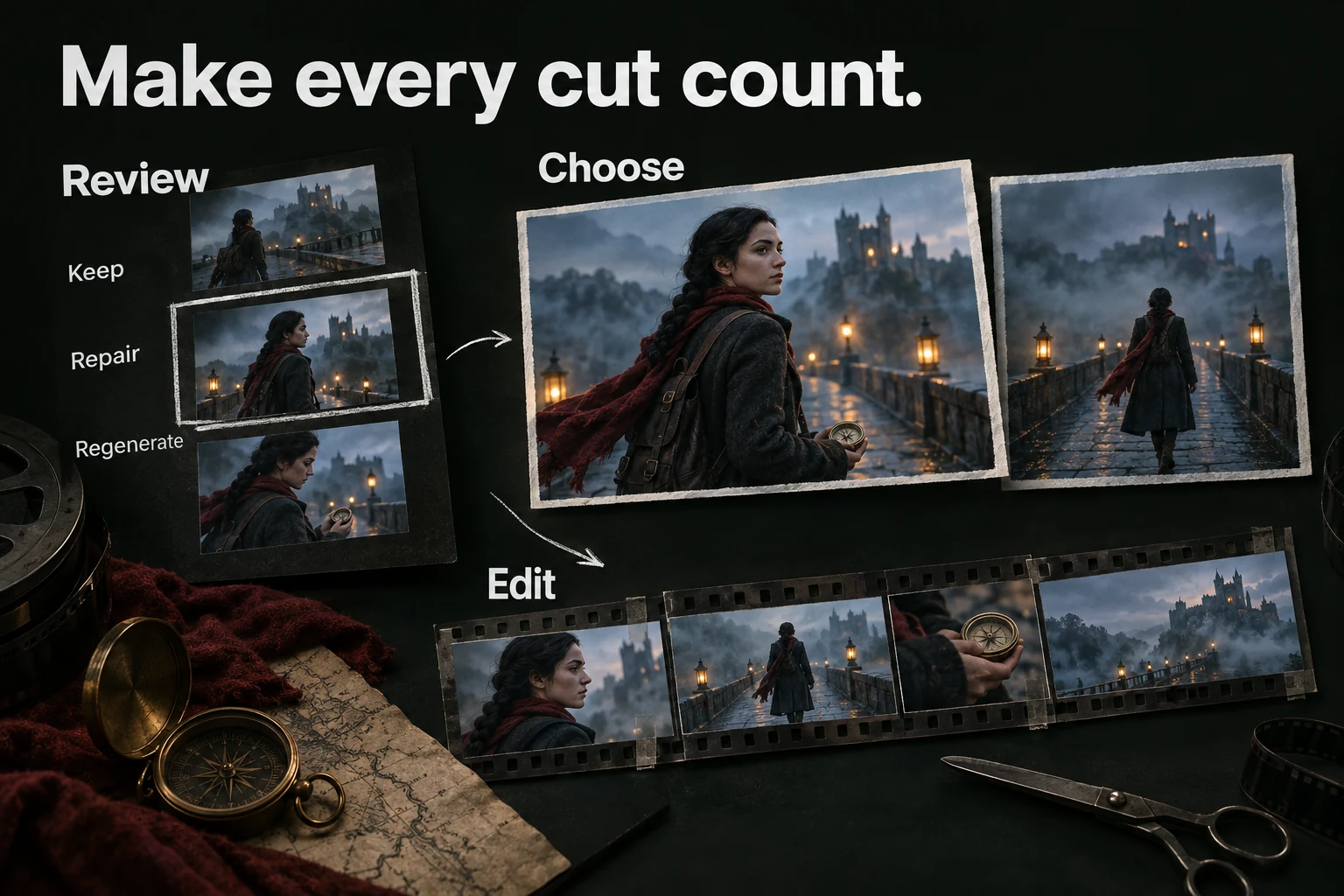
Keep. Repair. Regenerate. Review the story action, identity and continuity before selecting clips for the local timeline.
AI-generated workflow illustration. Select the image for a closer look.